Reporting automation people can actually check
The goal is not a faster spreadsheet. It is a repeatable path from raw exports to reconciled totals, visible exceptions and a decision-ready report.
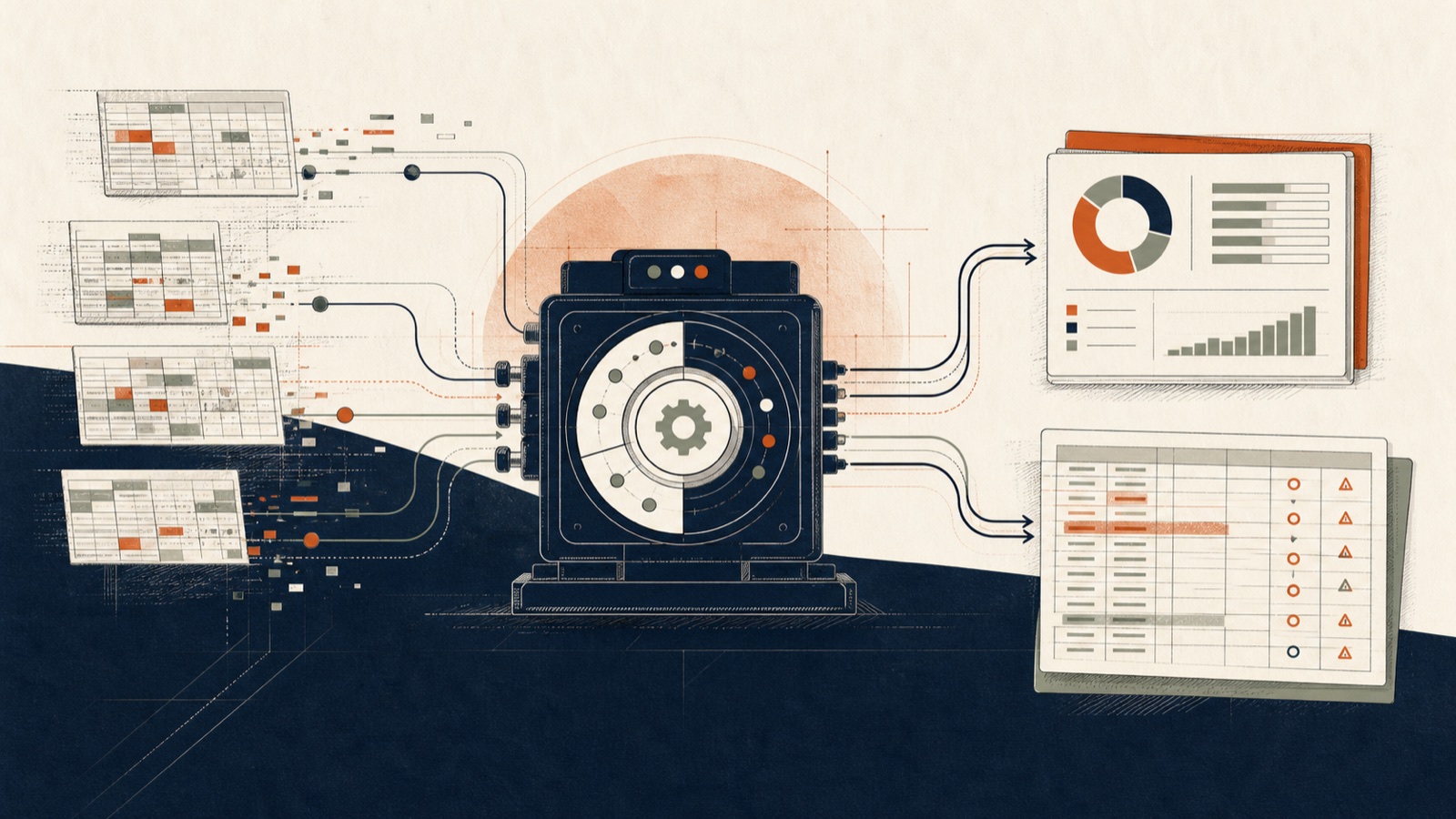
Many reporting projects automate the final chart while leaving the fragile work untouched. Someone still copies files, renames columns, guesses product matches and adjusts totals until they look right. The chart is faster; the reporting process is not more trustworthy.
Reconcile before you summarize
A reliable workflow preserves each source, maps it into a common model, and shows whether source totals equal transformed totals. Exceptions should not disappear into a formula. Put unmatched products, missing fields and rule conflicts into a review queue with an owner.
Make every comparison reproducible
Month-over-month, year-over-year, rolling averages and full-period views must use the same definitions every run. Version the rules and retain the period boundaries. If a number changes, the team should be able to explain whether the source, rule or business event changed.
The best reporting automation produces two outputs: the management view and the checking view. One supports decisions; the other earns trust.
Preserve raw evidence and transformation steps
Every reporting run should retain the exact source files or an immutable reference to them, together with the transformation version used. Cleaning steps need to be deterministic: date parsing, currency conversion, product mapping and exclusions should produce the same result when the same inputs and rules are used. Without reproducibility, a fast report becomes difficult to defend when a manager questions a number two months later.
Separate rules from exceptions
Stable business rules belong in configuration or versioned logic. Uncertain product matches, missing identifiers and conflicting records belong in a review queue. Mixing the two leads to silent manual edits that disappear before the next month. A reviewer should see the source values, proposed resolution, confidence or reason for uncertainty, and the effect of the decision on totals.
Reconciliation is a product feature
A checking view should show source totals, accepted records, excluded records, adjustment amounts and final report totals. Differences must either equal zero or be explained by named rules and reviewed exceptions. This is not an internal debug screen. It is the mechanism that lets finance, quality or operations trust automation without surrendering control.
Design the report around decisions
More charts do not create more insight. Start with the recurring questions: what changed from last month, what differs from last year, which causes explain most of the movement, and which exception needs an owner now? Build the period comparisons and cause structure from one reconciled model. Keep the management view short, and let readers drill into the checking view when they need evidence.
Operate it like a monthly product
Assign an owner for source changes, rule changes and final sign-off. Record when a retailer, factory or HR system changes its export format. Test the adapter against known examples before the monthly deadline. Archive the run, exceptions and approved output together. Reporting automation succeeds when the next month is routine, not when the first demo produces a beautiful chart.